Your lifts and your macros, in one place.
FitnessMaxxing is a free personal tracker for strength training and nutrition. Log every set, watch your estimated one-rep max climb, hit your daily calorie and protein targets, and keep recipes, water and recovery beside them, instead of spread across three apps and a notes file.

What is FitnessMaxxing?
FitnessMaxxing is a personal fitness and nutrition tracking application, built and run by one developer. It does two things well and keeps them next to each other.
On the training side, you log strength workouts — exercises, sets, reps and weight. The app estimates your one-rep max from each set and tells you when you have beaten your previous best on that lift, so progressive overload is something you can see rather than guess at.
On the nutrition side, you log meals and water against daily calorie and macronutrient targets calculated from your height, age and goal. A recipe library with per-serving macros sits on the same page, so deciding what to cook and logging what you ate are the same action.
Over time it builds a history of workouts, body weight and strength, so progress is visible instead of scattered across notes and spreadsheets. It is free, carries no advertising, and installs to a phone home screen as a web app.
Inside the app
Five areas, reachable from a single row of tabs. Everything below is in the app today.
Log meals against a daily calorie, protein, carbohydrate and fat target. Search a food database, build a meal from raw ingredients, or type the numbers in by hand. Water intake tracks alongside on the same screen, and a recipe library (searchable, filterable by meal and minimum protein, with per-serving macros, difficulty and prep time) lives on the same page, so a recipe can go straight into the day's log or onto a shopping list.
- daily food log
- macro targets
- ingredient builder
- recipes
- water
- shopping list
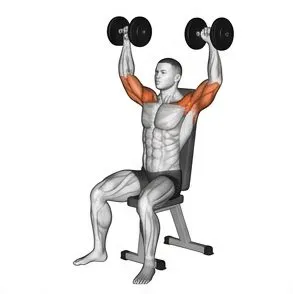
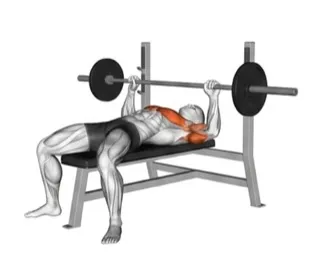
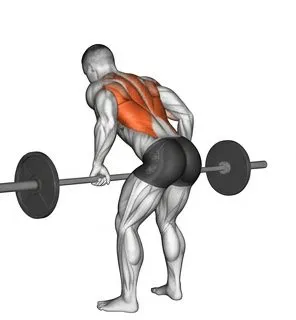
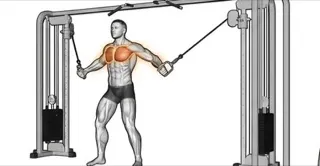
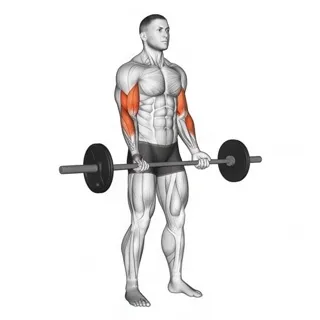
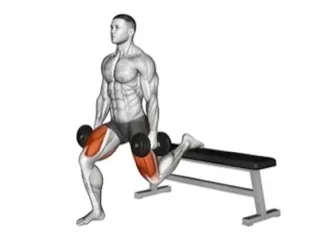
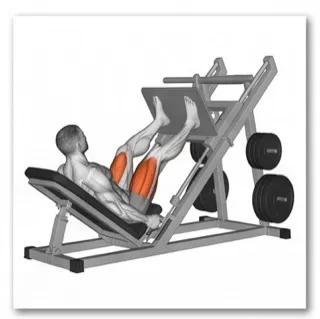
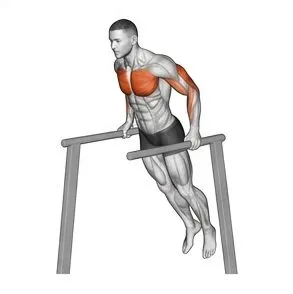
Start a workout, add exercises, and log each set with weight and reps. The app estimates one-rep max using the Epley formula and flags any set that beats your previous best on that lift. Finished sessions go to History, Progress charts strength over time, and Plans holds the routines you repeat. You can define custom exercises or import a workout you already have written down.
- sets & reps
- estimated 1RM
- PR detection
- history
- plans
- custom exercises
A short set of yes/no questions each day produces a recovery score, so a rest day becomes a deliberate decision you record rather than a silent gap in the log.
- recovery score
- rest days
Trends pulled from everything you have logged: body weight over time, a calorie trend chart, estimated one-rep max per lift, training volume, streaks and a running summary of the week.
- weight trend
- calorie trend
- strength progress
- streaks
Your height, age and goal (maintenance, deficit or gain) and the daily calorie, protein and water targets derived from them. Family sharing lets people in the same household follow each other's tracking. Reminders, appearance, a reference list of common supplements, and your account and data controls all live here.
- goals & targets
- family sharing
- reminders
- supplements
- data controls

Who it's for
Lifters
Anyone training for strength who wants their sets recorded, their one-rep max estimated, and a personal best recognised the moment it happens.
People tracking macros
Anyone counting calories or hitting a protein target daily, who would rather pick from recipes built around that target than improvise.
Families
Households who want to train and eat toward shared goals and see each other's progress in one account system.
Signing in & your data
You can create an account with an email address, or continue with Google. If you choose Google, here is exactly what that does.
What FitnessMaxxing requests
- Your email address — to create your account and identify it when you sign back in.
- Your name and profile picture — shown to you in the app, and to family members you have chosen to share with.
That is the entire scope. Nothing else is requested.
What it never touches
- No access to Gmail, Drive, Calendar, Contacts or any other Google service.
- No advertising and no data sold. There are no ads in the app and no data is shared with advertisers or data brokers.
- No password is shared with us. Google performs the authentication; FitnessMaxxing never sees your Google password.
Your training and nutrition entries are yours. You can request deletion of your account and its data at any time by emailing adamhabovstiak@gmail.com. Full detail is in the Privacy Policy and the Terms of Service.
Questions
Does it cost anything?
No. FitnessMaxxing is free, has no advertising, no subscription and no paid tier.
Do I have to sign in with Google?
No. Google is offered for convenience only; you can create an account with an email address instead, and everything in the app works the same way.
Is there an iPhone or Android app?
Not in the app stores. FitnessMaxxing is a web app, and it can be installed to your phone's home screen from your browser, where it opens full-screen like a native app.
How is the one-rep max calculated?
From the weight and reps of each set, using the Epley formula. It is an estimate rather than a tested maximum, which is what makes it useful for comparing sets across sessions without ever having to max out.
Can I delete my account and data?
Yes. Email adamhabovstiak@gmail.com and your account and its associated data will be deleted.
Who makes this?
FitnessMaxxing is built and maintained by Adam Habovstiak, an independent developer. It is not affiliated with Google or any other company. For anything at all, whether a bug, a question or a feature request, write to adamhabovstiak@gmail.com.
Start logging today's session
No cost, no ads, and your first workout takes about a minute to enter.
Open the app